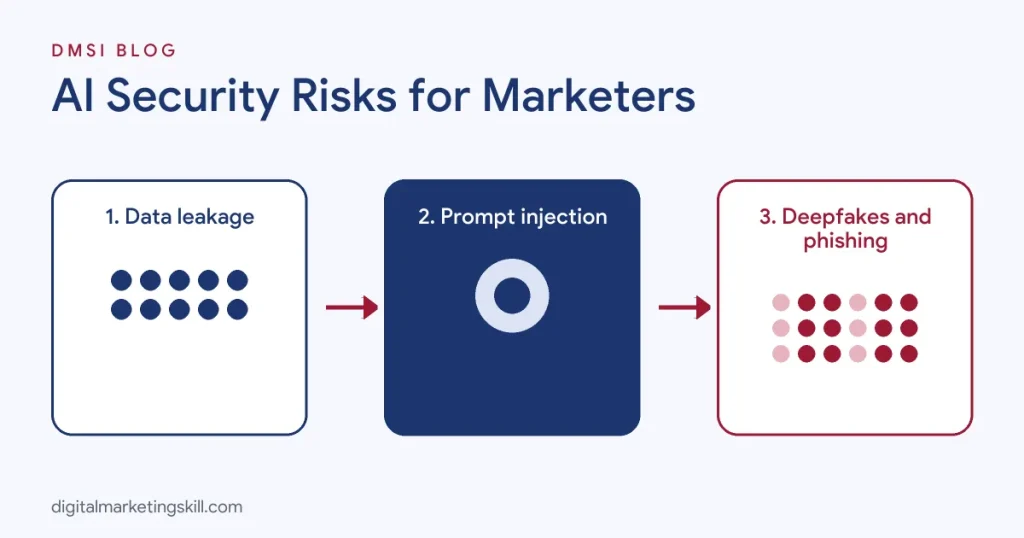
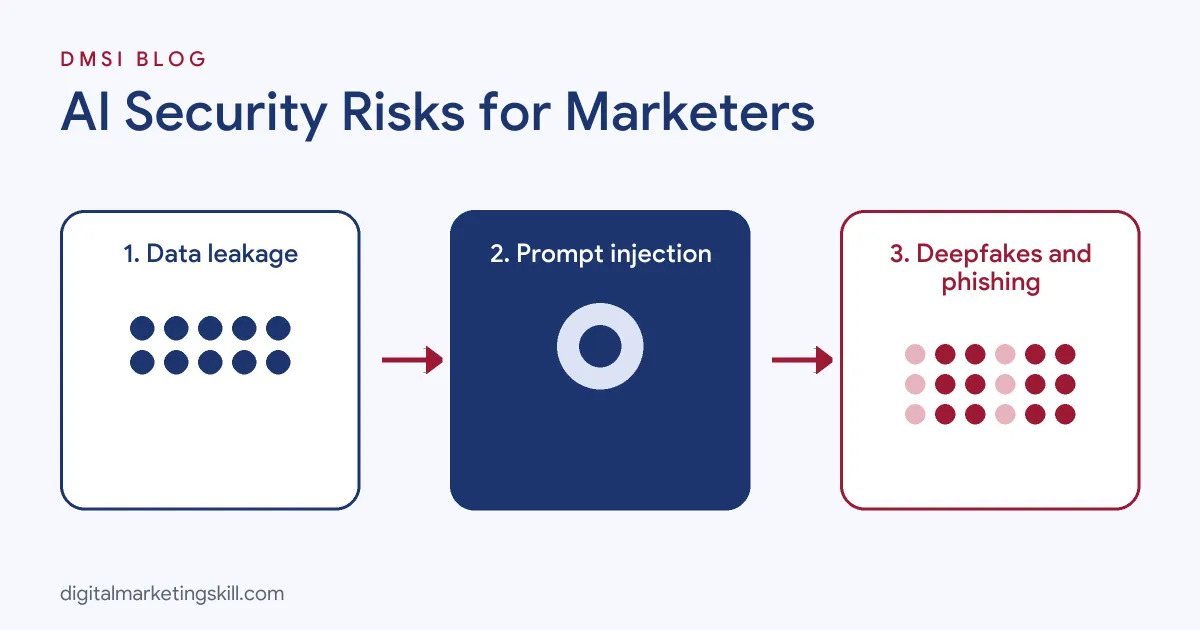
AI security risks are the ways artificial intelligence can expose an organisation to data leaks, fraud, manipulation and attacks: from staff pasting confidential data into chatbots, to attackers hijacking AI tools with hidden instructions, to criminals using AI to create convincing phishing emails and deepfake voices. Marketing teams are heavy users of AI and hold valuable assets, such as customer data, ad accounts and brand social profiles, which makes them a target. This guide explains the main AI security risks, how they affect marketers specifically, real warning signs, and a practical checklist for using AI safely without slowing your team down.
Key Takeaways
- AI security risks come from two directions: weaknesses in AI tools themselves and attackers using AI to make their attacks more effective.
- Wiz lists data breaches, adversarial attacks, shadow AI, partial control over outputs, supply chain risks, lack of explainability and limited testing among the most serious risks.
- Prompt injection, where hidden or malicious instructions trick an AI system into ignoring its rules, is ranked as a top risk in the OWASP Top 10 for large language model applications.
- The UK’s National Cyber Security Centre advises organisations to understand where AI is used, protect the data it handles and apply normal security basics to AI tools.
- For marketers, the most common practical risks are data leakage, account takeover, AI-powered phishing, deepfake impersonation and unsafe AI integrations.
- What Are AI Security Risks?
- The Main AI Security Risks
- AI Security Risks for Marketing Teams
- Warning Signs
- How to Use AI Safely: Checklist
- Writing an AI Security Policy
- FAQ
What Are AI Security Risks?
AI security covers protecting AI systems from misuse and protecting people and organisations from harm caused through AI. It overlaps with traditional cyber security, such as passwords, access control and data protection, but adds new problems. AI tools take instructions in natural language, can be tricked by cleverly written content, often process large amounts of sensitive data and are increasingly connected to other systems through plug-ins and agents that can take actions.
At the same time, attackers use AI to write fluent phishing messages in any language, clone voices, generate fake images and video, research targets and automate attacks. That makes long-standing threats, such as social engineering and fraud, harder to spot.
For most businesses, the biggest AI security risks are not dramatic hacks of AI models. They are everyday issues: employees using unapproved tools, confidential data being shared, weak account security and over-trusting AI outputs or AI-generated messages.
What Most AI Security Guides Miss
Many guides are written for security engineers. For marketing and business teams, three points matter most:
- Your biggest risk is probably shadow AI. People will use AI to save time. If there is no approved tool and clear guidance, they will use whatever is free, often with company or customer data.
- AI makes social engineering scale. Fake invoices, fake job candidates, fake influencer partnerships and fake executive voice messages are now cheap to produce and convincing.
- Connections create risk. The more you connect AI tools to email, CRM, ad accounts and websites, the more damage a tricked or compromised tool can do.
The Main AI Security Risks
Below are the risks that appear most often in security guidance, explained in plain language with what each one means for a business that uses AI every day.
1. Data leakage into AI tools
Data leakage happens when confidential information leaves your control because someone types or uploads it into an AI tool. That could be a customer list pasted into a chatbot to segment it, a draft financial report uploaded for summarising, unreleased campaign plans, contracts, passwords in a screenshot or personal data from a CRM export. Depending on the tool and its settings, that information may be stored, reviewed by the provider, used to improve models or exposed if the account is compromised.
The risk is not that every AI tool is unsafe. Many business plans offer strong protections, such as not training on your data and giving admins control over retention. The risk is that staff use personal or free accounts where those protections may not apply, and nobody knows what was shared. For marketers who handle customer data, this can also become a data protection issue under laws such as the UK GDPR, where you must have a lawful basis and appropriate safeguards for processing personal data.
2. Prompt injection
Prompt injection is when an attacker writes instructions that an AI system follows even though it should not. Direct prompt injection happens when someone types instructions into a chatbot to make it ignore its rules, for example getting a customer service bot to reveal internal information or offer a discount it should not. Indirect prompt injection is more worrying: the malicious instructions are hidden inside content the AI reads, such as a web page, an email, a document or a product review.
Imagine an AI assistant that can read your inbox and draft replies. An attacker sends an email containing hidden text telling the assistant to forward recent invoices to an outside address. If the assistant has permission to send emails and no safeguards, it might comply. The OWASP Top 10 for large language model applications lists prompt injection as its first risk because there is no complete technical fix yet. The practical defence is to limit what AI tools can do on their own, keep humans approving important actions and avoid giving AI access to more data and systems than it needs.
3. Shadow AI
Shadow AI is the use of AI tools that your organisation has not approved or does not know about. It includes free chatbots, browser extensions that read every page you visit, AI note-takers joining meetings, image generators, writing assistants and AI features quietly switched on inside existing software. Wiz describes shadow AI as one of the main risks because security teams cannot protect what they cannot see.
Shadow AI usually starts with good intentions. A social media manager wants to write captions faster; a junior analyst wants help with a spreadsheet formula. Banning AI completely tends to push usage underground. A better approach is to offer approved tools, explain what data can and cannot be shared and make it easy to ask before trying something new.
4. AI-powered phishing and social engineering
Phishing has always relied on persuasion. AI removes many of the old warning signs, such as poor spelling and awkward grammar, and lets attackers personalise messages at scale using public information from LinkedIn, company websites and social media. Attackers can produce convincing emails, text messages and direct messages in any language and tone, including messages that imitate a colleague’s writing style.
Marketing teams see particular versions of this: fake brand partnership offers with malicious attachments, messages claiming your Facebook or Instagram page will be disabled unless you click a link, fake copyright complaints, fake invoices from agencies and fake job applicants who send malware disguised as a portfolio. The NCSC’s guidance on phishing remains relevant: be suspicious of urgency, check requests through a separate channel and report suspicious messages.
5. Deepfakes and voice cloning
A deepfake is synthetic audio, video or images created with AI to show someone saying or doing something they did not. AI voice cloning can recreate a person’s voice from a short recording, and many executives and marketers have hours of audio online from podcasts, webinars and videos. Criminals use these to impersonate leaders and request urgent payments, password resets or access to accounts.
Deepfakes also create brand risks: fake videos of a founder endorsing a scam product, fake customer service accounts or fake ads using a celebrity likeness next to your brand. Defences include agreed verification steps for payment and access requests, such as calling back on a known number, using code words for sensitive requests, monitoring for impersonation and having a plan for reporting fake content to platforms quickly.
6. Account takeover of AI and marketing tools
AI tools are now connected to valuable accounts: email, CRM, ad managers, analytics, website content systems and social media schedulers. If an attacker steals the login to an AI tool with these connections, they may be able to read customer data, change ads or publish content. Many AI platforms also store conversation history, which can contain sensitive information.
The basics still apply: unique passwords stored in a password manager, multi-factor authentication on every account, removing access when people leave and reviewing which apps are connected to your Google, Microsoft and Meta accounts. These steps prevent many common account compromises, whether or not AI is involved.
7. Insecure plug-ins, integrations and AI agents
An AI agent is a system that can plan and take actions, such as browsing websites, sending messages, updating records or running code. Plug-ins and integrations give AI tools access to other systems. Each connection is a potential weak point. A poorly built plug-in might expose data, request far more permissions than it needs or be abandoned by its developer and never updated.
Wiz highlights supply chain risk: AI systems depend on models, datasets, libraries and services from third parties, and a weakness anywhere in that chain can affect you. For a marketing team, the practical version is vendor risk. Before connecting an AI tool to company systems, check who makes it, what permissions it asks for, where data is stored, whether it trains on your data and how you can disconnect it.
8. Hallucinations and over-trusting outputs
An AI hallucination is when an AI tool produces information that sounds confident but is wrong or invented. This is usually seen as a quality problem, but it becomes a security and legal risk when people act on it: publishing false claims about a competitor, citing regulations that do not exist, sharing incorrect security advice with customers or following AI-generated instructions that weaken security settings.
Wiz describes this as partial control over outputs: you cannot fully predict what a generative model will say. The answer is human review proportional to the stakes. A social caption needs a quick check; a legal claim, health statement, financial figure or security instruction needs proper verification against a reliable source.
9. AI-generated code and website changes
Marketers increasingly use AI to write tracking scripts, landing page code, email templates, WordPress snippets and spreadsheet formulas. AI-generated code can work and still be insecure: it might expose form data, load scripts from untrusted sources, skip input validation or contain outdated patterns. Pasting code into a live website without review is risky, especially on pages that collect personal or payment information.
Test AI-generated code on a staging site first, ask a developer to review anything that handles user data and avoid installing plug-ins or scripts simply because an AI suggested them.
10. Bias, privacy and compliance risks
Some AI risks are not attacks but still cause harm. AI used for audience targeting, lead scoring or recruitment can produce biased results. AI tools may process personal data in ways that need a privacy notice update, a data processing agreement or a data protection impact assessment. Regulators, including the UK Information Commissioner’s Office, have published guidance on AI and data protection, and new rules such as the EU AI Act place obligations on some uses of AI.
Wiz also lists lack of explainability and limited testing as risks: if you cannot explain why an AI system made a decision, it is hard to spot when it is wrong or being manipulated. For marketers, the practical step is to know which decisions AI is making, keep a person accountable for each and check results for unfair patterns.
AI Security Risks for Marketing Teams
Marketing teams sit at an unusual crossroads. They handle personal data, control the public voice of the brand, manage ad budgets and use more new tools than most departments. That combination makes the AI security risks above more likely and more damaging. Here is how they typically show up in daily marketing work.
| Marketing activity | Typical AI risk | Simple safeguard |
|---|---|---|
| Writing content with chatbots | Confidential plans or client data shared; inaccurate claims published | Use approved business accounts; fact-check claims before publishing |
| Analysing customer data | Personal data uploaded to unapproved tools | Anonymise or aggregate data; use tools covered by a data processing agreement |
| Managing social accounts | Phishing messages, account takeover, impersonation | Multi-factor authentication, role-based access, verify platform messages in the official app |
| Running ads | Compromised ad accounts, fake ads using your brand | Limit admin access, set spending alerts, monitor for impersonation |
| Email marketing | Connected AI tools with broad inbox or list access | Grant minimum permissions; review connected apps regularly |
| Chatbots on your website | Prompt injection, leaking internal information, false promises | Restrict what the bot can access, test with tricky prompts, add human handover |
| Website updates | Insecure AI-generated code or plug-ins | Staging site, developer review, keep software updated |
| Working with agencies and freelancers | Unknown AI tools used with your data | Include AI use and data rules in contracts and briefs |
Social media is a front line
Brand social profiles are attractive targets because a hijacked account can be used to spread scams to a large, trusting audience. AI makes the lures more convincing: fake notices that appear to come from platform support, fake collaboration requests and fake verification offers. Treat any message that pushes you to log in through a link with suspicion, check alerts inside the official app or business manager and make sure at least two trusted people have admin access so you can recover the account if one person’s login is compromised.
Customer-facing AI needs extra care
When you put AI in front of customers, such as a chatbot, an AI-written email sequence or a personalised recommendation, mistakes become public. A chatbot that promises a refund policy you do not offer, invents product features or can be manipulated into rude replies can damage trust quickly. Before launch, test the tool with difficult and adversarial questions, restrict it to approved information, add clear routes to a human and monitor conversations after launch.
Warning Signs of AI-Related Security Problems
Many AI-enabled attacks look like normal business at first. These signs are worth stopping for:
- A message from a senior person asking for an urgent payment, gift cards, a password or access, especially through a new channel or outside normal hours.
- A voice note or video call where the person avoids normal questions, the audio sounds slightly flat or delayed, or they refuse to call back on a known number.
- An email or direct message that is unusually polished, personal and urgent, asking you to log in, download a file or approve something.
- An AI tool or browser extension asking for broad permissions, such as reading all your emails or all website data.
- An AI assistant producing unexpected actions or outputs, such as summarising content you did not ask about or including strange links.
- New AI features switched on in existing tools without anyone reviewing the settings.
- Content online that uses your brand, staff names or founder’s likeness in ways you did not approve.
None of these proves an attack, but each is a signal to pause and verify through a separate, trusted channel.
How to Use AI Safely: A Practical Checklist
The NCSC encourages organisations to apply good cyber security basics to AI rather than treating it as something completely separate. This checklist turns that into steps a marketing team or small business can follow.
Know what AI you use
- Make a simple list of the AI tools in use, who uses them, what for and what data they touch. Wiz recommends keeping an AI inventory for this reason.
- Include AI features inside existing software, such as your CRM, email platform, design tools and office suite.
- Review browser extensions and connected apps, and remove anything nobody needs.
Protect your data
- Agree clear categories: what can be shared with approved AI tools, what can be shared only after anonymising and what must never be shared, such as passwords, payment details and sensitive personal data.
- Prefer business or enterprise plans with admin controls and clear data-use terms over personal free accounts.
- Check whether a tool uses your inputs for training and switch that off where possible.
- Delete chat history you do not need, and avoid storing secrets in prompts or uploaded files.
Lock down accounts
- Turn on multi-factor authentication for AI tools, email, social media, ad accounts and your website.
- Use a password manager and unique passwords.
- Give people the lowest access they need, and remove access promptly when roles change.
Limit what AI can do on its own
- Give AI integrations the minimum permissions they need, for example read-only rather than full edit access.
- Require human approval before AI sends emails, publishes content, changes ads, moves money or deletes data.
- Be careful letting AI tools read untrusted content, such as random web pages or inbound emails, while they also have power to act.
Verify before you trust
- Fact-check AI outputs that include statistics, legal points, health claims or security advice.
- Set up a verification process for payment, password and access requests, such as calling back on a known number.
- Train the team to recognise AI-enhanced phishing and deepfake requests.
Prepare for problems
- Know who to tell if someone shares data with the wrong tool or clicks a suspicious link, and make reporting blame-free so people speak up quickly.
- Keep recovery details for key accounts up to date, with more than one trusted admin.
- Know how to report impersonation and fake content to each platform you use.
Writing a Simple AI Security Policy
A policy does not need to be long. A one or two page document that people actually read is better than a detailed one nobody opens. Cover these points:
- Purpose: why the company uses AI and why the rules exist.
- Approved tools: which tools are allowed, for which tasks, and how to request a new one.
- Data rules: what can, cannot and can only conditionally be entered into AI tools.
- Human review: which outputs must be checked, and by whom, before they are published or acted on.
- Disclosure: when you tell customers that content or interactions involve AI.
- Security basics: account security, permissions and how integrations are approved.
- Reporting: how to report mistakes, suspicious messages or misuse.
- Review date: AI changes quickly, so revisit the policy regularly.
Share the policy with agencies and freelancers too, since they often work inside your accounts and with your data.
Common Mistakes
- Banning AI with no alternative. People keep using it, but secretly, which makes shadow AI worse.
- Treating AI tools as harmless writing aids. Many now connect to inboxes, files and accounts, which raises the stakes.
- Pasting real customer data for convenience. Anonymise or summarise data first, or use an approved tool designed for that data.
- Giving integrations full access by default. Accepting every permission request is how small risks become large ones.
- Trusting a familiar voice or face. With voice cloning and deepfakes, a recognisable voice is no longer proof of identity.
- Publishing AI outputs without checks. Hallucinated facts and claims can create legal and reputational problems.
- Forgetting AI features inside existing tools. New features can switch on quietly in software you already use.
One Rule to Remember
Treat AI like a new, very fast colleague who has not yet earned your trust: give it only the data and access it needs, check its important work and verify any request that involves money, passwords or customer data through a separate channel.
Example: a small online skincare brand uses an AI writing tool for product descriptions and an AI assistant connected to its shared inbox. One week, the marketing lead receives a voice note that sounds like the founder, asking for the ad account password to be sent over urgently because she is travelling. Following the brand’s policy, the marketing lead calls the founder back on her known number, and the founder confirms she sent nothing. The team reports the impersonation, resets passwords as a precaution and reviews the inbox assistant’s permissions, changing it from “send” to “draft only”. This example is illustrative and not a real business.
Why AI Security Skills Matter for Your Career
Employers want marketers who can use AI to work faster without creating new risks. Being the person on the team who understands safe AI use, data protection basics and account security is valuable, whether you work in-house, at an agency or as a freelancer for clients worldwide. If you are in your country and building a digital marketing career, practical knowledge of AI tools combined with good judgement about data and security helps you stand out to employers and clients who are cautious about AI.
Frequently Asked Questions
What are the biggest AI security risks?
For most businesses, the biggest risks are data leakage into AI tools, shadow AI, AI-powered phishing, deepfake impersonation, prompt injection against connected AI tools and over-trusting AI outputs. Technical risks such as attacks on AI models matter more to organisations that build their own AI systems.
Is it safe to put company data into ChatGPT or other chatbots?
It depends on the account type, settings and the data. Business plans often provide stronger data controls than free personal accounts. As a rule, do not share passwords, payment details, sensitive personal data or confidential information unless your organisation has approved that tool for that data.
What is prompt injection in simple terms?
Prompt injection is tricking an AI system into following instructions it should ignore. The instructions can be typed directly or hidden in content the AI reads, such as an email or a web page. It is most dangerous when the AI can take actions, such as sending messages or changing records.
What is shadow AI?
Shadow AI is the use of AI tools that an organisation has not approved or does not know about, such as free chatbots, browser extensions or AI note-takers. It is risky because nobody checks what data those tools receive or how they store it.
How do criminals use AI?
Criminals use AI to write convincing phishing messages, clone voices, create deepfake videos and images, research targets, translate scams into many languages and automate parts of attacks. AI mostly makes existing scams more convincing and cheaper to run.
How can I tell if a voice or video is a deepfake?
It is increasingly hard to tell by looking or listening, so focus on the request rather than the voice. If someone asks for money, passwords or access, verify through a separate channel you already trust, such as calling a known number or asking a question only the real person would know.
Do small businesses need an AI security policy?
Yes, but it can be short. A one or two page policy listing approved tools, data rules, review steps and how to report problems covers most of the risk for a small team.
Are AI browser extensions safe?
Some are, but many ask for permission to read and change everything on the websites you visit, which can include email, CRM and banking pages. Only install extensions from reputable developers, check the permissions and remove ones you no longer use.
Can AI chatbots on my website be hacked?
Chatbots can be manipulated through prompt injection into revealing information, making false promises or producing offensive replies. Restrict what the chatbot can access, test it with tricky questions, monitor conversations and give customers an easy way to reach a person.
Who is responsible for AI security in a company?
Security or IT teams usually set the rules, but everyone who uses AI shares responsibility. Marketing teams should own how AI is used in their own work, including data shared, content published and tools connected to marketing accounts.
Does AI security matter for freelancers?
Yes. Freelancers often handle several clients’ data and accounts. Keeping client information out of unapproved tools, securing your own accounts and being open with clients about how you use AI protects both your clients and your reputation.
Your Next Step
Learn to use AI tools confidently and safely as part of a practical digital marketing skill set. The Master Diploma in Digital & AI Marketing at Digital Marketing Skill Institute covers AI-powered Social Media Management and Advertising, Lead Generation and Email Automation, Google, and a WordPress and SEO track where you build and rank a real website.
From day one, you work on a real U.S. company’s project through the U.S. Project Internship, so you finish with real results and a verified U.S. work reference letter. You also get unlimited one-on-one coaching. The program carries dual US and UK accreditation, is recognised in more than 100 countries, and runs 100% online over three months.
You can build those skills wherever you live, anywhere in your country. Read student reviews, then apply for the 65% partial scholarship to see if you qualify.
Sources checked November 2026: Wiz: AI security risks, OWASP Top 10 for LLM applications, NCSC machine learning principles, NCSC phishing guidance, ICO guidance on AI and data protection. We have no connection with these organisations.