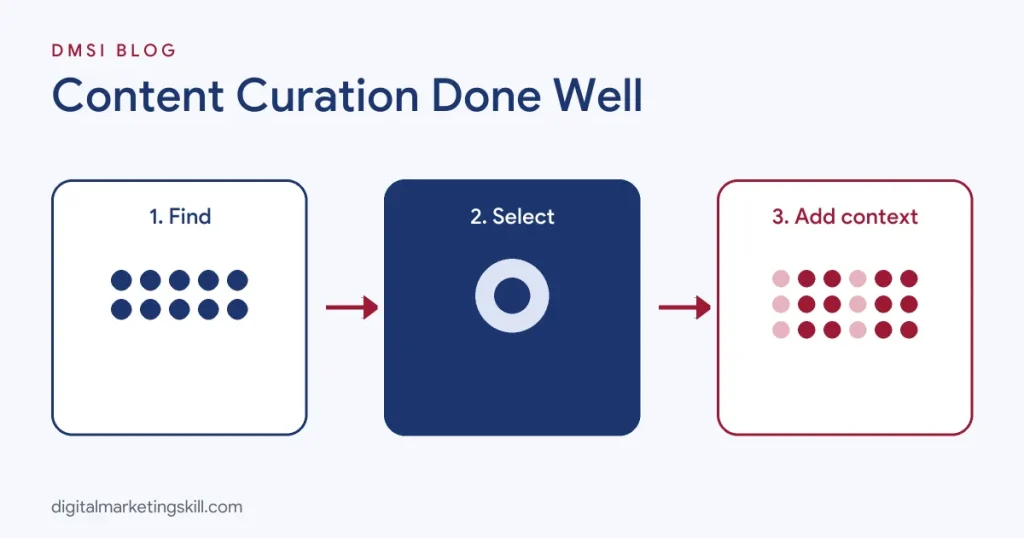
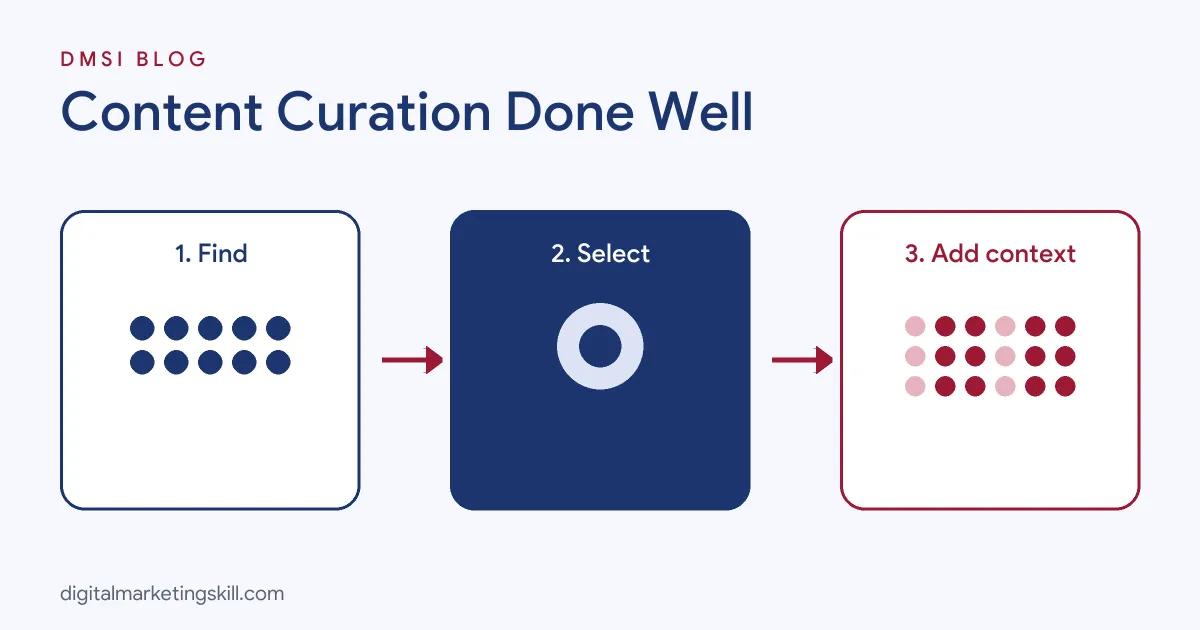
Content curation is finding the best existing content on a topic, choosing what is genuinely useful for your audience, and sharing it with your own context, such as a summary, an opinion or an explanation of why it matters. Done well, it saves your audience time, positions you as a trusted guide, and fills your content calendar without creating everything from scratch. Done badly, it is just reposting other people’s work. This guide covers how curation differs from creation, a six-step curation process, where curated content works best (newsletters, social media, blog roundups), current tools, the copyright and search rules to respect, and how to measure results.
Key Takeaways
- Curation is selection plus context. The value is in what you choose, what you leave out, and what you add.
- Always credit and link to the original source, quote briefly, and never republish whole articles or images without permission.
- Google’s spam policies treat scraped content, meaning content copied from other sites without adding value, as spam. Curated pages need your own substantial commentary to be worth indexing (Google Search Central, spam policies).
- Many older curation guides recommend tools that have since closed. Mozilla shut down Pocket in July 2025, so check that any tool you rely on is still running (Mozilla).
- A common approach is to mix curated and original content, with original content carrying your main ideas and curation supporting them.
- What content curation is (and is not)
- What most content curation guides miss
- Why curate content
- The 6-step content curation process
- Where curated content works best
- Content curation examples
- How to write curated commentary
- Content curation tools
- Copyright, credit and SEO rules
- How to measure curated content
- Frequently Asked Questions
What Content Curation Is (and Is Not)
Think of a museum curator. They do not make the paintings; they choose which ones to show, arrange them, and write the labels that explain why they matter. Content curation does the same for online information.
| Content creation | Content curation | Content aggregation | |
|---|---|---|---|
| What it is | Making original content | Selecting the best existing content and adding context | Collecting content automatically, often without commentary |
| Human judgement | High | High | Low |
| Main value | New ideas, data and stories | Saving the audience time and offering a trusted point of view | Volume and convenience |
| Example | Your own guide or video | A weekly newsletter with five picks and your take on each | An automatic feed of every new article on a topic |
Curation sits between creation and aggregation. It is lighter work than creating everything yourself, but it still needs real judgement. For the wider picture of content formats, see our guide to the types of digital content.
What Most Content Curation Guides Miss
We read the top-ranking content curation guides before writing this one. They explain the basics well. Three things were often missing or out of date.
1. Tool lists are often years old. Several well-known guides still recommend tools that have closed, such as Storify and, more recently, Pocket. We list tools that were available in November 2026, and you should still check before committing.
2. Curation can hurt search if done badly. Pages that mostly copy or lightly rewrite others’ content can fall foul of Google’s spam policies on scraped content. Curation for search needs substantial original commentary.
3. AI summaries are not curation. Asking an AI tool to summarise articles is fast, but summaries can be wrong and add no judgement. The value of curation is your choice and your opinion. Read the source yourself.
Why Curate Content
- Saves your audience time. People are overloaded with information. A trusted filter is valuable.
- Builds authority. Consistently picking the best material shows you know your field.
- Fills your calendar. Curated posts and newsletters take less time than creating everything from scratch.
- Builds relationships. Featuring and crediting others’ work can start conversations with writers, creators and experts.
- Keeps you learning. Regular curation forces you to keep up with your industry.
- Balances self-promotion. Sharing useful outside content makes your feed less about selling.
The 6-Step Content Curation Process
Step 1: Define your audience and purpose
Write down who you are curating for and what you want them to get. For example: “Small business owners who want practical marketing tips they can use this week.” This sentence decides what makes the cut.
Step 2: Build a list of trusted sources
Collect 20 to 50 reliable sources: industry publications, expert blogs, newsletters, podcasts, official announcements, research organisations and respected social accounts. Mix big names with smaller, specialist voices so your picks are not the same ones everyone else shares.
Step 3: Set up a discovery routine
Use a feed reader, alerts and saved searches to bring new content to you, then set a regular time to review it, such as 30 minutes twice a week. Consistency matters more than volume.
Step 4: Read, check and select
Read the whole piece before sharing. Check the facts, the date and the author. Ask: is this genuinely useful, accurate and relevant to my audience right now? If you would not recommend it to a colleague, leave it out.
Step 5: Add your context
This is where curation earns its value. For each item, add one or more of:
- A one or two sentence summary of the main point
- Why it matters to your audience
- Your opinion: do you agree, disagree, or see a limitation?
- A practical takeaway or action
- A connection to other content or trends
Step 6: Share, credit and schedule
Credit the creator by name, link to the original and tag them where appropriate. Schedule curated posts alongside your original content. Our guide to social media content promotion covers timing and distribution.
Good and weak curation compared
| Weak | Strong |
|---|---|
| “Great article!” plus a link | “This guide explains GA4 key events clearly. The section on choosing which events to mark is the most useful part for small businesses.” plus a link and credit |
| Sharing ten links with no order | Three picks, ranked, with why each matters |
| Copying the article’s opening paragraph | Writing your own summary and quoting one short line |
| Sharing anything trending | Sharing only what fits your audience and purpose |
Where Curated Content Works Best
| Format | How curation works there | Tip |
|---|---|---|
| Email newsletter | A regular roundup of the best links with your commentary | Lead with your single best pick and why it matters. See our guide to setting up email newsletters |
| LinkedIn and X | Sharing an article with your key takeaway in the post | Put your insight in the post text, not just the link |
| Instagram and TikTok | Carousels or short videos summarising ideas from several sources, with credit | Credit creators in the caption and on the slide |
| Blog roundups | “Best resources on X” posts with substantial commentary | Add original analysis so the page offers more than links |
| Resource pages | A maintained list of the best tools or guides on a topic | Update regularly and remove dead links |
| Internal team updates | A weekly digest of industry news for colleagues | Focus on what each item means for your business |
| Communities | Pinned resources in a Slack, Discord or forum group | Let members suggest additions |
Content Curation Examples
These examples are illustrative formats, not real publications:
- A marketing agency’s Friday newsletter: five links on SEO, ads and social media, each with a two-line “why it matters for small businesses” note, plus one original tip from the team.
- A recruiter’s LinkedIn posts: one industry report a week, summarised in three bullet points with the recruiter’s view on what it means for job seekers.
- A fitness coach’s Instagram carousel: “3 things research says about sleep and recovery”, with each slide crediting the study or expert it draws on.
- A software company’s resource hub: a page of the best tutorials and templates for using its product, including creator videos, with permission and credit.
- An internal digest: a weekly email to the sales team summarising competitor news and what to say if customers ask about it.
Well-known public examples of curation include industry newsletters that summarise the week’s news, news apps that select top stories, and “best of” lists from respected publications. What they share is a clear editorial point of view.
How to Write Curated Commentary: 6 Templates
The commentary is what turns a link into curation. If you struggle with what to say, use one of these simple patterns. Replace the square brackets with your own words.
1. The key takeaway
“The most useful point in [source]’s guide: [one-sentence takeaway]. If you only read one section, make it [section].”
2. The “why it matters”
“[Source] reports that [finding]. For [your audience], this means [practical implication].”
3. The respectful disagreement
“[Author] argues [point]. I agree with [part], but for smaller businesses I would [your different view], because [reason].”
4. The action step
“After reading [source], try this: [one specific action]. It takes about [time] and [benefit].”
5. The comparison
“Two good takes on [topic] this week: [source A] focuses on [angle], while [source B] covers [angle]. Read A if you [situation], B if you [situation].”
6. The context link
“This connects to [earlier trend or your own article]: [source] shows [new development], which is why [your point].”
Two or three sentences per item is usually enough. Keep your voice consistent so readers recognise your point of view, and be honest when a source is useful but imperfect. Readers trust curators who explain limitations, not just highlights.
Curation for different goals
| Goal | What to curate | What to add |
|---|---|---|
| Thought leadership | Research, expert opinion, industry news | Your analysis and predictions |
| Customer education | How-to guides, tutorials, checklists | Which steps matter most for your customers |
| Community building | Work by members, creators and partners | Recognition and why it is worth seeing |
| Sales support | Third-party reviews, case studies, industry data | How it relates to the buyer’s decision |
Content Curation Tools
Tools come and go, so check that any tool is still active and fits your budget. Here are common options by job:
| Job | Tools | Notes |
|---|---|---|
| Following sources | Feedly, Inoreader, other RSS readers | Collect updates from blogs, news sites and newsletters in one place |
| Alerts | Google Alerts, Talkwalker Alerts | Email you when new content mentions your keywords |
| Saving and organising | Raindrop.io, Notion, browser bookmarks | Save, tag and annotate links for later. Pocket has closed, so move saved items elsewhere if you used it |
| Discovery | Flipboard, BuzzSumo, industry newsletters | Find popular and trending content on a topic |
| Curated pages | Scoop.it, resource pages on your own site | Publish curated collections |
| Scheduling and sharing | Buffer, Hootsuite, Sprout Social, native schedulers | Queue curated posts across social channels |
| Newsletters | Email platforms such as Mailchimp, MailerLite, Kit or Substack | Send curated roundups to subscribers |
| Summarising help | General AI assistants | Useful for a first-pass summary, but always read the source and write your own take |
A simple, free setup works for most people: a feed reader for sources, Google Alerts for keywords, a notes app for saving picks with your comments, and your email or social scheduler for sharing.
A weekly curation routine
| Day | Task | Time |
|---|---|---|
| Monday | Scan feeds and alerts; save promising items | 20 minutes |
| Wednesday | Read saved items fully; shortlist the best | 30 minutes |
| Thursday | Write summaries and commentary; schedule posts | 40 minutes |
| Friday | Send newsletter; review last week’s results | 20 minutes |
Copyright, Credit and SEO Rules
Curation relies on other people’s work, so respect it. This is general guidance, not legal advice; rules differ by country.
| Do | Do not |
|---|---|
| Link to the original source | Copy whole articles onto your site |
| Name and tag the creator | Remove author names or watermarks |
| Quote short passages and mark them as quotes | Paste long sections without permission |
| Write your own summary and commentary | Lightly reword someone else’s article and present it as yours |
| Ask permission to reuse images, or use licensed ones | Use images from articles without permission |
| Respect paywalls | Share ways to bypass paywalls |
| Add substantial original value to curated web pages | Publish pages of links or copied text to attract search traffic |
For search, Google rewards helpful pages and treats scraped or copied content as spam. A curated blog roundup should include enough original explanation, comparison and advice to be useful even if readers never click a link.
How much curation versus original content?
There is no fixed ratio. Many marketers use curated content to support, not replace, their own ideas: original content carries your expertise and products, while curation shows you know the wider field. A newsletter might be mostly curated with one original section; a blog should usually be mostly original.
How to Measure Curated Content
| Channel | What to track |
|---|---|
| Newsletter | Click rate per link, replies, subscriber growth, unsubscribes |
| Social media | Saves, shares, comments and clicks on curated posts compared with original posts |
| Blog roundups | Search traffic, time on page, clicks to your own resources |
| Relationships | Creators who shared or replied after being featured |
Look at which topics and sources get the most engagement, then curate more like them. Our guide to email marketing metrics explains how to read newsletter numbers.
Common Mistakes
- Sharing without reading. Headlines can mislead. Read the whole piece first.
- No commentary. A link alone adds little value.
- Poor credit. Always name and link the source.
- Only curating. Your audience also wants your own ideas.
- Sharing competitors’ sales pages. Curate helpful content, not direct competitors’ offers.
- Relying on AI summaries. They can be wrong and lack judgement.
- Outdated links. Check resource pages regularly.
A pre-share checklist
Before you share any curated piece, run through these questions. If any answer is no, fix it or leave the piece out.
- Have I read the whole piece, not just the headline?
- Is it accurate, current and from a credible source?
- Is it genuinely useful for my specific audience right now?
- Have I added my own summary, opinion or takeaway?
- Have I credited the creator by name and linked to the original?
- Am I quoting only a short passage, clearly marked?
- Do I have the right to use any image I am including?
- Does this fit the balance of curated and original content I want this week?
Keeping this list next to your scheduler takes a few seconds per post and protects both your audience’s trust and the creators whose work you share. Over time it becomes habit, and your curated content will stand out because it is reliably careful.
One Rule to Remember
Choose less, say more. Three well-chosen pieces with a clear take beat twenty links with nothing to say.
An Illustrative Example
This example is illustrative and not a real business. A bookkeeping firm wanted to stay in touch with clients but did not have time to write weekly articles. It started a Friday email called “Three things worth reading”, featuring three links on tax deadlines, small business tools and cash flow, each with a two-line note on what it meant for clients. Once a month, the firm added one short original tip. The team set aside about two hours a week. Over time, clients began replying with questions, which became ideas for the firm’s own articles and services.
The lesson: consistent, well-explained curation keeps you useful and visible, and often leads to original content ideas.
Content Curation as a Career Skill
Curation is a core part of social media, content and newsletter roles, and it trains the judgement that good marketing depends on. If you are building marketing skills in your country or anywhere else, try running a small weekly curated newsletter or LinkedIn series on a topic you care about. It shows employers that you can find, judge and explain information clearly. Our guides to the content creator role and the creator economy are useful next reads.
Frequently Asked Questions
What is content curation?
Finding the best existing content on a topic, selecting what is useful for your audience and sharing it with your own context, such as a summary or opinion, while crediting the source.
What is the difference between content curation and content creation?
Creation is making original content. Curation is selecting and explaining other people’s content. Most strategies use both.
Is content curation legal?
Sharing links, short quotes and your own commentary with clear credit is common practice. Copying whole articles or images without permission can breach copyright. Rules vary by country.
Is curated content good for SEO?
Only if the page adds substantial original value. Pages that mostly copy or lightly reword others’ content can be treated as scraped content under Google’s spam policies.
What are the best content curation tools?
Feed readers such as Feedly or Inoreader, Google Alerts, a notes or bookmarking app such as Raindrop.io or Notion, and your social scheduler or email platform.
How often should I share curated content?
As often as you can keep the quality high. A weekly newsletter or a few curated social posts a week works for many people.
Can AI do content curation?
AI can help find and summarise content, but it cannot replace your judgement about what matters to your audience. Always read the source and write your own take.
What is an example of curated content?
A weekly newsletter featuring five useful articles on a topic, each with a short note explaining why it matters to readers.
How do I credit curated content properly?
Name the creator or publication, link to the original, tag them where appropriate, and mark any quoted text clearly.
What is the difference between curation and aggregation?
Aggregation collects content automatically with little judgement. Curation involves human selection and added context.
Your Next Step
Want to build content, social media and newsletter skills that make you a trusted voice in your field? The Master Diploma in Digital & AI Marketing at Digital Marketing Skill Institute covers AI-powered Social Media Management and Advertising, Lead Generation and Email Automation, Google, and a WordPress and SEO track where you build and rank a real website.
From day one, you work on a real U.S. company’s project through the U.S. Project Internship, so you finish with real results and a verified U.S. work reference letter. You also get unlimited one-on-one coaching. The program carries dual US and UK accreditation, is recognised in more than 100 countries, and runs 100% online over three months.
You can build those skills wherever you live, anywhere in your country. Read student reviews, then apply for the 65% partial scholarship to see if you qualify.
Sources checked November 2026: Google Search Central spam policies (scraped content); Mozilla announcement on the closure of Pocket; and the current top-ranking pages for this search from TopRank Marketing, BabyLoveGrowth and Column Five, read for coverage only. Tool availability changes; check each tool before relying on it.