Pinterest analytics is the free reporting tool built into Pinterest business accounts. It shows how your Pins, boards and profile perform across organic, paid and earned activity. You open it by logging into a business account and choosing Analytics, then Overview on desktop, or through the business hub in the app. The most important metrics are impressions, saves, Pin clicks and outbound clicks, which show how many people visit your website. Audience insights add age, gender, location, device and interest data. Because Pinterest works more like a visual search engine than a social network, its analytics reward a different mindset: you are measuring how well your Pins are discovered and saved over months, not how many likes they get in a day.
This guide shows you how to set up and find Pinterest analytics, what every key metric means, how to judge your numbers, which tools add more insight and how to use the data to get more traffic and sales. If you are new to the platform, start with our guide on how to use Pinterest to grow your business.
Key Takeaways
- Pinterest Business help explains that analytics are available to business accounts and cover organic, paid and earned performance.
- Pinterest says more than half a billion people use the platform every month.
- Outbound clicks, which send people from Pinterest to your website, are the key metric for traffic goals.
- Claiming your website and installing the Pinterest Tag let you see content saved from your site and track conversions.
- Pinterest analytics let you filter by date range, Pin format, claimed account, device, age and gender.
In this guide
- What Most Pinterest Analytics Guides Miss
- What Is Pinterest Analytics?
- How to Set Up Pinterest Analytics
- Where to Find Pinterest Analytics
- Pinterest Metrics Explained
- Audience Insights: Who Your Pinterest Audience Is
- Reading Individual Pin Stats
- How to Tell If Your Pinterest Numbers Are Good
- Using Pinterest Trends to Plan Content
- Pinterest Ads Reporting
- Measuring Pinterest Traffic on Your Website
- Best Pinterest Analytics Tools
- How to Use Pinterest Analytics to Grow
- Common Pinterest Analytics Mistakes
- The One Rule for Pinterest Analytics
- An Illustrative Case
- Frequently Asked Questions About Pinterest Analytics
- Your Next Step
What Most Pinterest Analytics Guides Miss
Many guides treat Pinterest like Instagram, focusing on monthly views and follower counts. That leads people to chase the wrong numbers.
- Pinterest is a search engine first. People come to Pinterest to plan, find ideas and shop. Pins are discovered through search and recommendations for months or even years. Judging a Pin on its first 48 hours misses most of its life.
- Saves and outbound clicks matter more than followers. Many successful Pinterest accounts have modest follower counts but drive large amounts of website traffic because their Pins rank well in search.
- Monthly views can mislead. The headline “monthly views” figure is based on impressions across Pinterest, which can include your Pins appearing briefly in feeds. A big number feels good, but it does not pay the bills. Outbound clicks and conversions do.
What Is Pinterest Analytics?
Pinterest Analytics is the built-in reporting dashboard for Pinterest business accounts. According to Pinterest Business help, it helps you understand how your Pins and boards perform and how people engage with your content. It covers:
- Organic performance: how your own Pins perform without paid promotion.
- Paid performance: results from Pinterest ads.
- Earned performance: engagement on Pins other people saved from your claimed website or accounts.
- Audience insights: who your audience is and what they are interested in.
For bloggers, ecommerce stores, creators and service businesses, these analytics show which ideas resonate, which Pins send traffic and which topics are worth more effort.
How to Set Up Pinterest Analytics
To get full analytics, set up these four things:
- Use a business account. Analytics are only available on business accounts. You can convert a personal account in your settings or create a new business account for free.
- Claim your website. In settings, claim your website domain by adding a meta tag, uploading an HTML file or adding a DNS record. Claiming lets you see analytics for Pins saved from your site, including Pins other people create.
- Claim other accounts. You can also claim accounts such as Instagram or Etsy so content from those sources is attributed to you.
- Install the Pinterest Tag. The Pinterest Tag, and the Conversions API for advanced setups, tracks actions on your website, such as sign-ups and purchases, so you can measure conversions from Pinterest and build audiences for ads.
If you run an online shop, connecting a product catalogue also unlocks shopping features and product-level reporting.
Where to Find Pinterest Analytics
On Desktop
- Log into your Pinterest business account.
- Click Analytics in the top menu, then Overview.
- Choose a date range, such as the last 30 days, or set a custom range.
- Use the filters for content type, claimed accounts, device, source and Pin format.
- Open Audience insights from the Analytics menu to see demographics and interests.
On Mobile
Open the Pinterest app, go to your profile and open the business hub or analytics section. You will see recent performance and top Pins. Desktop gives fuller filters and exports.
For a Single Pin
Pinterest Business help explains that you can open your profile, select Created, and click a Pin to see its stats, including impressions, saves, Pin clicks and outbound clicks.
Pinterest Metrics Explained
Pinterest updates metric names occasionally, but these are the core numbers you will use.
| Metric | What it means | Use it to judge |
|---|---|---|
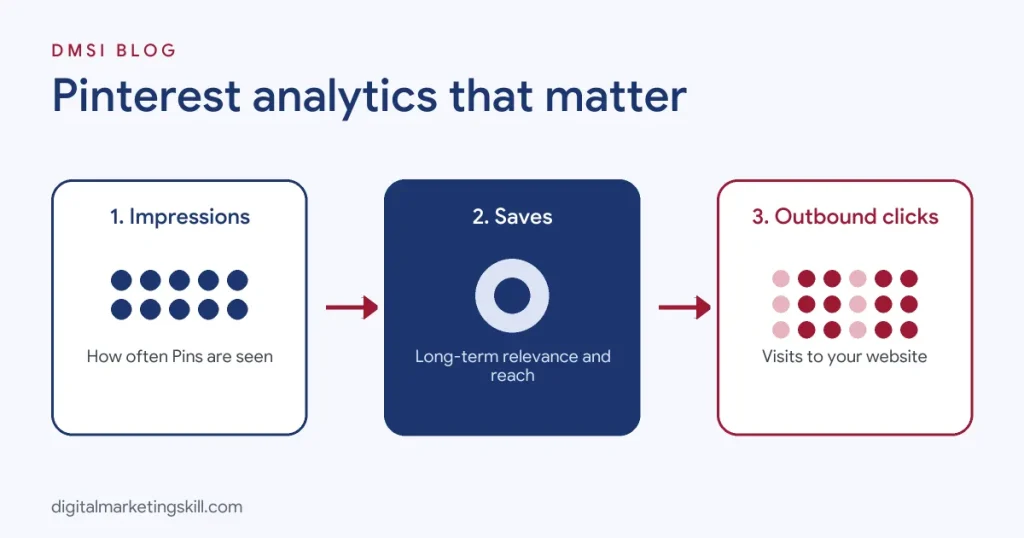
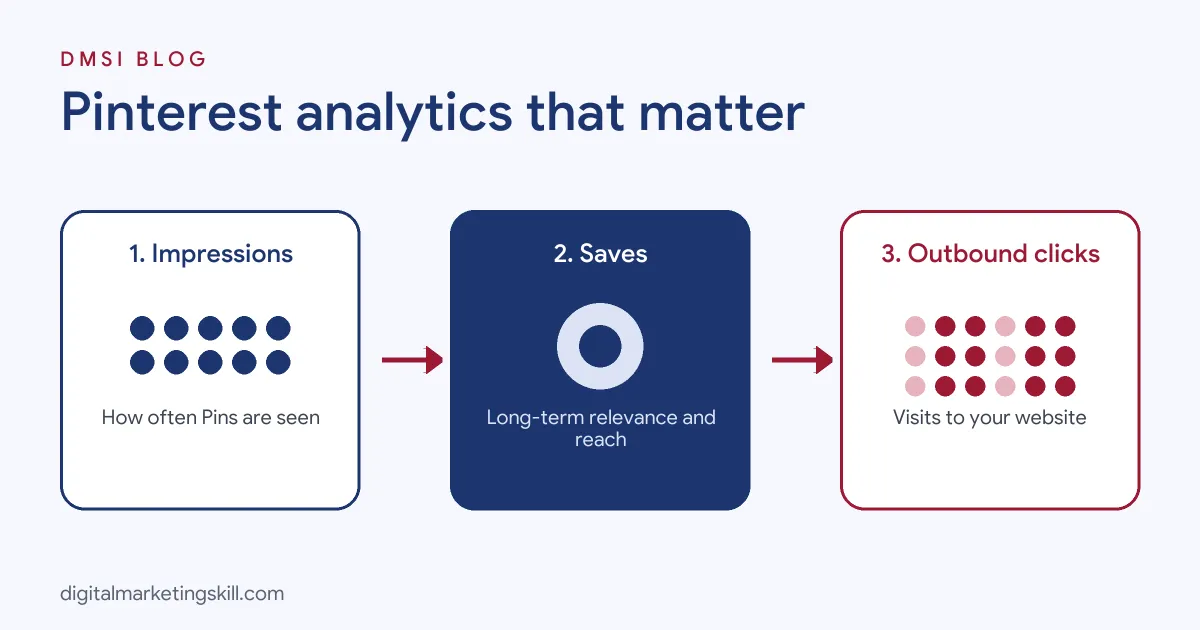
| Impressions | How many times your Pins appeared on screen | Visibility and discovery |
| Engagements | Total actions on your Pins, including saves, clicks and reactions | Overall interest |
| Engagement rate | Engagements divided by impressions | How compelling your Pins are |
| Saves | How often people saved your Pins to their boards | Long-term relevance and future reach |
| Pin clicks | Clicks on your Pin to view it in detail or visit content | Curiosity and interest |
| Outbound clicks | Clicks that send people from Pinterest to your website | Traffic, the key business metric for most |
| Outbound click rate | Outbound clicks divided by impressions | How well Pins drive visits |
| Video views and watch time | Plays and time spent on video Pins | Video quality |
| Total audience and engaged audience | People who saw or engaged with your Pins | Reach and active audience size |
| Monthly views | A rolling count of how often your content was seen | Rough visibility trend, not a success measure alone |
Which Metrics Matter for Your Goal
- Website traffic: outbound clicks and outbound click rate.
- Brand awareness: impressions, total audience and saves.
- Content ideas and engagement: saves and engagement rate.
- Sales and leads: conversions tracked by the Pinterest Tag and in Google Analytics.
Audience Insights: Who Your Pinterest Audience Is
Audience insights show the demographics and interests of people who see and engage with your content. You can typically view age ranges, gender, top locations, devices and the categories and interests your audience engages with most.
You can also compare your audience with Pinterest’s wider user base to spot interests your audience over-indexes on. For example, a home decor shop might find its audience has strong interest in DIY projects and garden ideas, which suggests new content themes.
Use audience insights to:
- Check that you reach your target customers by country and age.
- Find related interests to expand your boards and topics.
- Choose targeting for Pinterest ads.
- Shape your buyer persona with real data.
Reading Individual Pin Stats
Top Pins tell you what to make more of. In the Overview, scroll to top Pins and sort by impressions, saves, Pin clicks or outbound clicks.
Compare your best Pins on:
- Design: vertical format, clear text overlays, bright images and branding.
- Topic: which ideas attract saves versus clicks.
- Keywords: titles and descriptions that match what people search.
- Format: standard image, video or carousel Pins.
- Destination: which landing pages turn clicks into results.
A Pin with many saves but few clicks may be inspiring but lack a reason to visit. A Pin with many clicks but few saves may solve a quick need. Both are useful, but for traffic goals, prioritise Pins that combine strong saves with strong outbound clicks.
How to Tell If Your Pinterest Numbers Are Good
People often ask whether figures like 200,000 monthly views are good. The answer depends on your niche and goal.
- Look beyond monthly views. 200,000 monthly views with 50 outbound clicks is weaker than 20,000 monthly views with 800 outbound clicks if you want traffic.
- Compare with your own trend. Steady month-on-month growth in impressions, saves and outbound clicks shows your strategy is working.
- Calculate rates. Engagement rate and outbound click rate let you compare Pins fairly, whatever their impressions.
- Check your website analytics. The real test is how many Pinterest visitors read, sign up or buy.
Because Pinterest content has a long life, compare quarter to quarter as well as month to month.
Using Pinterest Trends to Plan Content
Pinterest Trends is a free tool that shows what people search for over time in supported countries. It is one of the most useful companions to your analytics.
- Find rising searches in your niche to create timely Pins.
- Plan seasonally. Pinterest users plan ahead, often searching for holidays, weddings and back-to-school weeks or months in advance. Publish seasonal Pins early.
- Discover keyword variations to use in Pin titles, descriptions and board names. See our glossary entry on keyword research.
Combine Trends with your analytics: if a topic is rising and your past Pins on it performed well, it is a strong bet.
Pinterest Ads Reporting
For paid campaigns, Pinterest Ads Manager reports on spend, impressions, clicks, click-through rate, cost per click, conversions and return on ad spend. With the Pinterest Tag installed, you can see which ads drive sign-ups and purchases.
Promote Pins that already perform well organically, because they have proven appeal. Judge ads on cost per conversion and return on ad spend rather than impressions. Keep organic and paid results separate in your reports so you understand both.
Measuring Pinterest Traffic on Your Website
Pinterest analytics show clicks; your website analytics show what happens next.
- Use Google Analytics 4 to see sessions, engagement and conversions from Pinterest.
- Add UTM parameters to Pin links for campaigns, such as
?utm_source=pinterest&utm_medium=social&utm_campaign=spring_recipes. - Track key events in GA4, such as newsletter sign-ups and purchases, so you can see which Pins lead to real outcomes.
- Compare landing pages. If Pinterest visitors bounce quickly from a page, improve the page or make sure the Pin matches what the page delivers.
Pinterest Analytics for Online Shops
If you sell products, a few extra steps make Pinterest analytics far more useful. Connect your product catalogue so each product becomes a shoppable Product Pin, then watch which products earn the most saves and outbound clicks. Saves on a product often signal purchase intent: people save items they are considering buying. Use the Pinterest Tag to track add-to-cart and checkout events, and compare conversion rates by product category. Products with high saves but low sales may need better prices, photos or product page copy, while products with strong conversions deserve more fresh Pins and a small ad budget. Seasonal patterns are especially strong for shops, so plan gift guides, holiday collections and summer ranges well ahead of time, using last year’s analytics as a guide to when interest starts rising.
Best Pinterest Analytics Tools
Pinterest’s native analytics are free and cover most needs. These tools add scheduling, history and reporting.
- Pinterest Analytics: free, built-in reporting for business accounts.
- Pinterest Trends: free search trend data for planning.
- Tailwind: a Pinterest-focused scheduler with Pin performance insights.
- Planoly, Later and Buffer: scheduling plus analytics across platforms.
- Sprout Social and Hootsuite: cross-channel reporting for teams and agencies.
- Google Analytics 4: measures Pinterest traffic and conversions on your site.
- Looker Studio: combine Pinterest and website data in one dashboard. See Looker Studio.
For more options, see our roundup of social media marketing tools.
How to Use Pinterest Analytics to Grow
Use this monthly routine to turn data into growth.
- Find your top ten Pins by outbound clicks over the last 90 days.
- Identify patterns in topic, design, keywords and format.
- Create fresh Pins for your best-performing articles or products, using new images and headlines. Pinterest favours fresh Pins, so new designs for proven content often perform well.
- Improve weak Pins’ destinations by updating titles, descriptions and landing pages.
- Organise boards around keyword-rich topics your audience searches for.
- Plan seasonal content early using Pinterest Trends.
- Promote proven winners with a small ad budget to reach more of the right people.
Over time, this builds a library of evergreen Pins that keep sending traffic, one of Pinterest’s biggest advantages over faster-moving platforms.
A Simple Monthly Pinterest Report
Whether you report to yourself, a manager or a client, keep it to one page.
- Headline numbers: impressions, saves, outbound clicks and outbound click rate compared with last month and the same month last year.
- Top Pins: the three Pins with the most outbound clicks and why they worked.
- Audience notes: any shifts in top countries, ages or interests.
- Website impact: sessions, sign-ups and sales from Pinterest in GA4.
- Paid results: spend, conversions and return on ad spend if you ran ads.
- Next month: three actions, such as new Pins for top articles, seasonal content to publish and landing pages to improve.
Year-on-year comparisons matter on Pinterest because so much activity is seasonal. A drop in December impressions might be normal for a garden brand and a warning sign for a gift shop.
Common Pinterest Analytics Mistakes
- Obsessing over monthly views. Focus on saves, outbound clicks and conversions instead.
- Not claiming your website. You miss data on Pins others save from your site.
- Skipping the Pinterest Tag. Without it, you cannot measure conversions or build retargeting audiences.
- Judging Pins too early. Pinterest Pins often gain traction over weeks and months.
- Ignoring seasonality. Compare like periods, because Pinterest activity rises and falls with the calendar.
- Not acting on data. Make at least one change each month based on your analytics.
The One Rule for Pinterest Analytics
Follow the outbound clicks. Impressions and monthly views show that Pinterest is showing your content; outbound clicks and conversions show that it is working for your business. Build more of what sends people to your website, and Pinterest becomes a steady, long-term traffic source.
An Illustrative Case
Imagine a food blogger in Birmingham whose Pinterest account shows 400,000 monthly views. She is pleased until she checks Google Analytics and sees only a few hundred visits a month from Pinterest.
In Pinterest analytics, she sorts Pins by outbound clicks. Her most-viewed Pins are attractive close-up photos with no text, which get impressions and saves but almost no clicks. Her top traffic Pins are tall images with clear text overlays like “15-Minute Chicken Curry” and descriptions full of search phrases people use.
She redesigns her Pin template with text overlays, writes keyword-rich titles using Pinterest Trends and creates three fresh Pins for each of her 20 most popular recipes. Six months later, monthly views are lower at around 250,000, but outbound clicks have risen fivefold, and Pinterest becomes her second-largest traffic source after Google.
This example is illustrative, not a real blogger, but it shows why outbound clicks matter more than views.
Frequently Asked Questions About Pinterest Analytics
How do I see analytics on Pinterest?
Log into a Pinterest business account, click Analytics in the top menu and choose Overview. For a single Pin, go to your profile, select Created and open the Pin’s stats.
Do I need a business account for Pinterest analytics?
Yes. Analytics are only available on business accounts, which are free. You can convert a personal account in your settings.
Is Pinterest paying for views?
Pinterest does not generally pay creators a fixed amount per view. Most people earn from Pinterest through website traffic, affiliate links, product sales and brand partnerships.
Can I see who views my Pinterest profile?
No. Pinterest shows aggregated analytics such as impressions and audience demographics, but not the identities of people who viewed your profile or Pins.
Is 200k monthly views on Pinterest good?
It can be, but monthly views alone do not show success. Check outbound clicks, saves and website conversions to judge whether those views help your business.
Is Pinterest growing or declining?
Pinterest has reported continued growth in monthly users in recent results, with more than half a billion people using it each month. It remains strong for planning, ideas and shopping.
What is a good engagement rate on Pinterest?
It varies by niche and Pin type. Use your own average as the benchmark and aim to raise it, especially outbound click rate if you want traffic.
Why are my Pinterest impressions dropping?
Common causes include posting fewer fresh Pins, seasonal changes, weaker keywords or changes in how Pinterest distributes content. Compare with the same period last year and refresh your top content.
How long does it take for Pins to get traffic?
Some Pins gain traction within days, but many take weeks or months to rank in Pinterest search. Pinterest rewards consistent, long-term effort.
Can I export Pinterest analytics?
Yes. Pinterest lets business accounts export analytics data from the Overview, and third-party tools can automate reports.
Your Next Step
Using analytics to grow traffic across Pinterest, Google and social media is a core digital marketing skill. The Master Diploma in Digital & AI Marketing at Digital Marketing Skill Institute includes an AI-powered Social Media Management and Advertising track and a Google track covering GA4, alongside Lead Generation and Email Automation, and WordPress and SEO.
From day one, you work on a real U.S. company’s project through the U.S. Project Internship, so you finish with real results and a verified U.S. work reference letter. You also get unlimited one-on-one coaching. The program carries dual US and UK accreditation, is recognised in more than 100 countries, and runs 100% online over three months.
You can build those skills wherever you live, anywhere in your country. Read student reviews, then apply for the 65% partial scholarship to see if you qualify.
Every figure in this guide was checked against its source before publication: Pinterest Business help on analytics and Pin stats, and Pinterest’s published user figures. Pinterest updates metric names and tools regularly. The case above is an illustrative example, not a real result.